Digital screens are now a constant presence in daily routines, shaping how people work, relax, and stay connected. Many adults notice that long hours on phones or laptops leave them mentally tired, even when tasks feel familiar. Wellness educators often explain that reducing screen time is less about avoidance and more about building awareness around how, when, and why devices are used.
For parents, remote workers, and busy professionals, screens frequently blur the line between responsibilities and rest. Notifications arrive at all hours, and short checks easily turn into long stretches of scrolling. A calmer relationship with technology can support focus, presence, and steadier energy throughout the day.
This article explains ten simple ways to reduce screen time daily using practical, everyday habits. Each approach fits modern life and avoids rigid rules or extremes. The focus stays on balance, consistency, and realistic changes that support long-term wellbeing.
Simple Ways to Reduce Screen Time: Understanding Digital Overload in Everyday Life

Digital overload describes a pattern where screens occupy attention for long, unbroken periods. Many adults spend seven or more hours a day on digital devices, often switching rapidly between tasks. Over time, this constant stimulation can leave people feeling mentally scattered and less able to concentrate on a single activity.
Remote work and flexible schedules have increased reliance on screens for meetings, messages, and planning. Without clear boundaries, work-related screen use often spills into evenings and weekends. Lifestyle research suggests this overlap can reduce recovery time and make it harder to fully disengage.
Digital overload is not a diagnosis, but a common lifestyle issue shaped by technology design and social habits. Viewing it this way removes blame and opens space for adjustment. Small changes to daily routines can make screen use feel more intentional and less draining.
Health and Wellbeing Effects of Excessive Screen Exposure
Extended screen use is often linked with physical discomfort, including eye strain, dry eyes, headaches, and neck tension. Eye care professionals refer to this pattern as computer vision syndrome, which develops when blinking slows and eyes focus at a fixed distance for too long. These effects usually ease with breaks and better habits.
Screens also influence sleep patterns, especially when used late in the evening. Light from phones and tablets can delay melatonin release, which helps regulate sleep timing. Many people notice later bedtimes or lighter sleep after extended nighttime screen use.
From an emotional wellbeing perspective, frequent alerts and constant information can raise perceived stress. Research shows associations between heavy screen exposure and reduced mental clarity, though experiences vary. Balanced screen habits are generally viewed as a supportive lifestyle factor rather than a single solution.
Strategy 1: Tracking Screen Time to Build Awareness
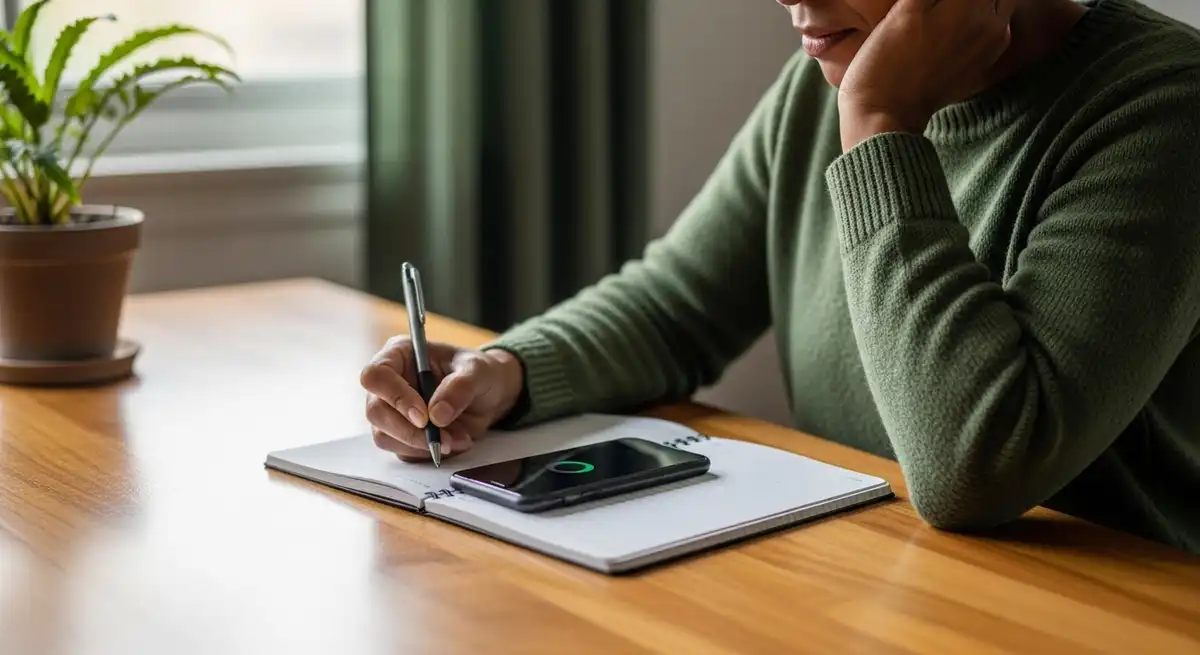
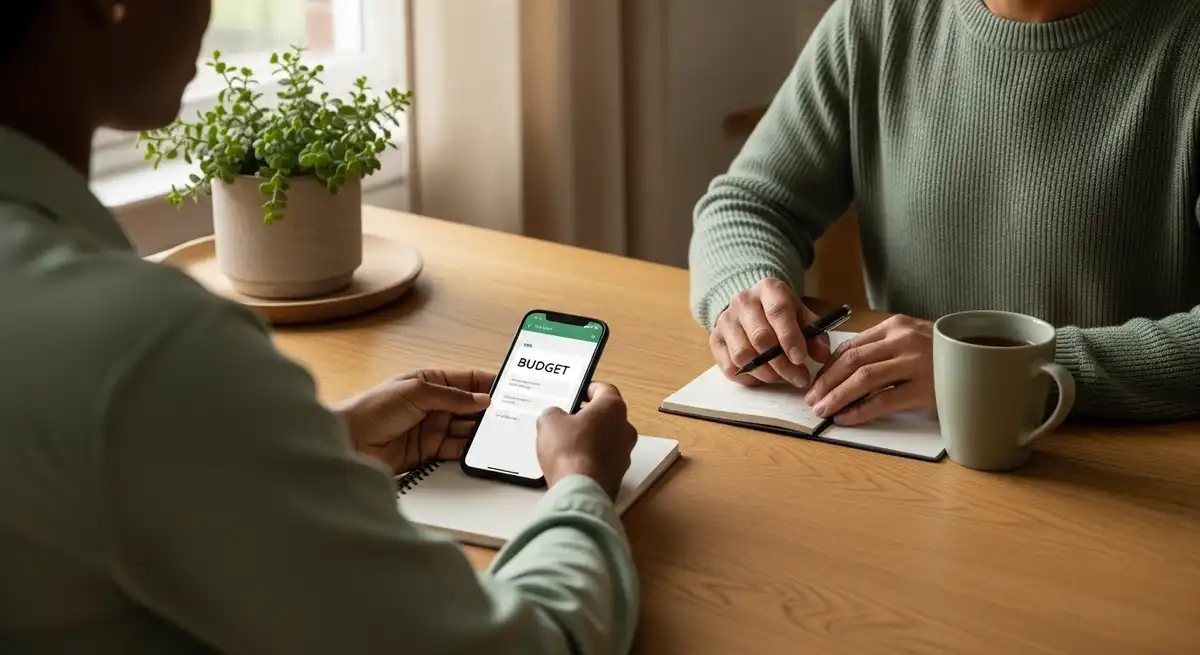
Tracking screen time means reviewing how often and how long devices are used each day. Most smartphones now provide built-in reports showing total screen hours, app categories, and pickup counts. This information turns vague impressions into clear patterns that are easier to address.
Awareness alone often leads to modest reductions in use. Many people are surprised by how short checks add up over time. Seeing this data encourages more intentional choices without relying on strict self-control.
Approaching tracking neutrally is important. Wellness guidance suggests using the information as feedback rather than judgment. Setting small goals, such as reducing daily use by thirty minutes, supports gradual and sustainable change.
Strategy 2: Using Greyscale Mode to Reduce Visual Pull
Greyscale mode removes color from a phone display, leaving only shades of grey. Many apps use bright colors to attract attention and encourage repeated interaction. When color disappears, the device feels less stimulating and sessions often shorten naturally.
Behavioral research suggests greyscale can modestly reduce daily screen time by lowering automatic attraction. People often report fewer impulsive checks because scrolling feels less rewarding. This approach works quietly without constant reminders.
Greyscale can be used all day or during specific hours, such as evenings. It is a flexible lifestyle tool rather than a restriction. People with accessibility needs can adjust or limit its use to remain comfortable.
Strategy 3: Managing Notifications to Reduce Interruptions
Notifications interrupt attention and encourage immediate checking. Each alert pulls focus away from current tasks or conversations. Reviewing notification settings helps identify which alerts truly require immediate attention.
Silencing non-essential sounds, banners, and vibrations can make digital environments feel calmer. Allowing only priority contacts or urgent apps reduces background stress during the day. Many people notice improved concentration after making these changes.
Batching notifications is another common approach. Messages are checked at planned times rather than instantly. This supports boundaries while keeping communication intact and predictable.
Strategy 4: Creating Screen-Free Sleep Zones
Screen-free sleep zones involve keeping phones and tablets out of the bedroom. The bedroom works best as a space associated with rest rather than stimulation or work. Removing screens supports a clearer mental shift toward sleep.
Charging phones in another room or designated area reduces late-night scrolling and early-morning checking. Many people report falling asleep more easily after this change. Waking without immediate alerts can also feel calmer.
This practice focuses on environment rather than discipline. Changing where devices live naturally shapes habits. Screen-free sleep zones are often part of broader sleep hygiene routines.
Strategy 5: Applying the 20-20-20 Rule for Eye Comfort
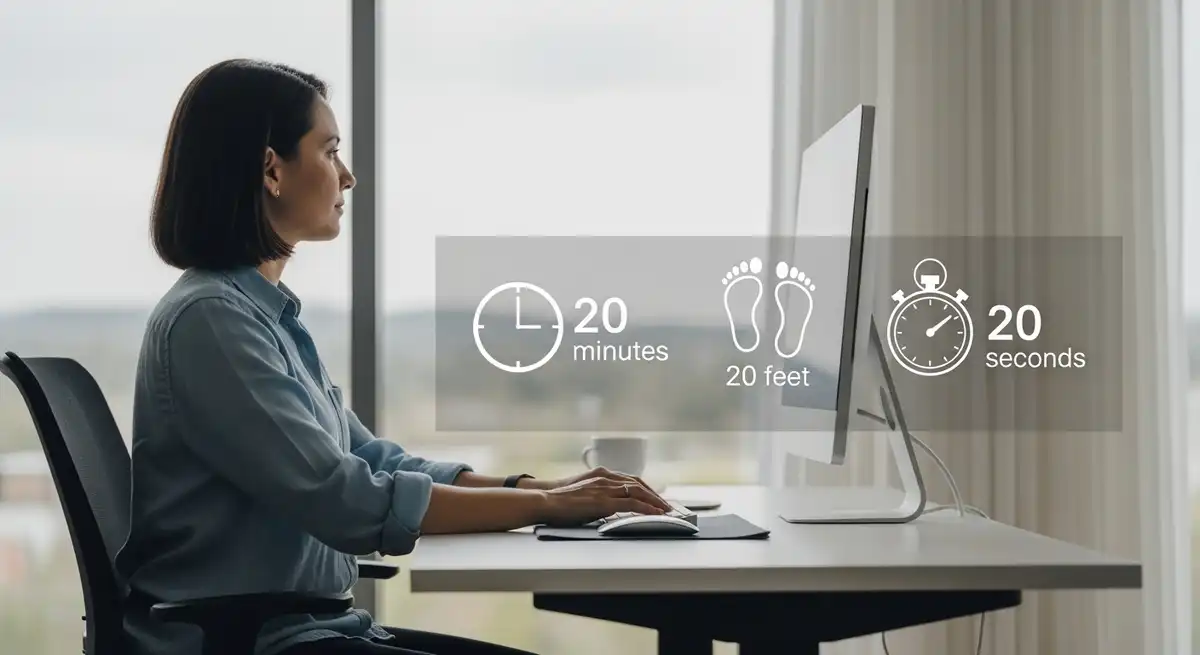
The 20-20-20 rule is a simple method to reduce eye strain during screen use. Every twenty minutes, you look at something about twenty feet away for twenty seconds. This allows eye muscles to relax and refocus.
The rule also encourages regular breaks from sitting. Many people pair it with posture checks or gentle stretching. Eye care organizations often include this practice in general screen use guidance.
Timers or reminders can help integrate the rule into workdays. Over time, it supports comfortable screen use without disrupting productivity.

Strategy 6: Increasing Friction to Interrupt Automatic Checking
Increasing friction adds small steps between the urge to check a phone and the action itself. Examples include turning off fingerprint unlocking or moving social apps off the home screen. These changes create a pause that encourages awareness.
Even brief delays can reduce habitual unlocking. When checking becomes less automatic, people often reconsider whether the device is needed at that moment. This supports mindful technology use without removing access.
Friction-based strategies are easy to test and reverse. They are commonly used in digital wellbeing programs because they align with how habits actually form.
Strategy 7: Using Focus Modes to Match Context
Focus modes allow phones to behave differently based on activity or time of day. Each mode can limit notifications and apps to those relevant for work, rest, or movement. This reduces distraction and mental load.
Matching digital settings to real-life roles supports clearer boundaries. For example, a work mode may allow email only, while a family mode limits interruptions. Automatic scheduling makes these transitions smooth.
Reviewing focus modes regularly keeps them useful. As routines change, settings can adapt. This flexibility supports long-term balance rather than rigid control.
Strategy 8: Reclaiming Mornings from Immediate Screen Use
Morning screen habits often set the tone for the day. Checking messages immediately after waking can create a rushed, reactive mindset. Delaying phone use allows mornings to begin more calmly.
Using a traditional alarm clock instead of a phone reduces temptation to scroll. This opens space for breakfast, light movement, or quiet preparation. These moments support steadier focus later.
Reclaiming mornings does not require avoiding screens completely. It involves choosing timing intentionally. Over time, this supports a more grounded daily rhythm.
Strategy 9: Creating Device-Free Meals and Social Time
Device-free meals involve keeping phones away from the table. This supports mindful eating and clearer conversation. Many families notice better connection and fewer distractions during shared meals.
Extending this idea to social time also helps. Placing phones out of reach during visits or activities reduces divided attention. Presence often feels deeper when screens are not nearby.
Clear communication supports these boundaries. Letting others know response times reduces pressure to check devices. Device-free moments often feel more satisfying.
Strategy 10: Replacing Screen Time with Meaningful Offline Activities
Reducing screen time works best when replaced with engaging alternatives. Reading, walking, cooking, or creative hobbies provide focus without digital stimulation. Preparing options in advance makes this easier.
Physical activity is often a helpful replacement because it supports energy and mood. Even short walks can shift attention away from screens. Outdoor movement adds variety and freshness.
Face-to-face interaction also matters. Prioritizing real-world connection supports social confidence and emotional balance. Replacement focuses on what is gained, not what is limited.
Mindfulness Principles Behind Screen Time Reduction
Mindfulness in daily life refers to paying attention to experiences with clarity and without judgment. Applied to screen use, it involves noticing habits and emotional responses linked to devices. This awareness supports more intentional choices.
Mindful screen use does not require meditation practice. It simply means pausing before acting and recognizing underlying needs. Checking a phone may reflect boredom, stress, or habit rather than necessity.
Many people find this approach gentler than strict rules. Instead of self-criticism, habits become information. This perspective supports lasting change.
Relevance for Parents and Working Individuals
Parents often rely on screens for coordination, work, and brief rest. Balancing these needs with presence can feel demanding. Screen reduction strategies help create structure without unrealistic expectations.
Working professionals, especially remote workers, benefit from routines that separate work and personal time. Without physical transitions, digital cues dominate. Intentional habits support clearer closure at the end of the day.
Flexibility remains essential. Lifestyle balance changes across life stages. Screen time strategies are tools to adapt rather than rules to enforce.
Expanded FAQs
How much screen time is generally considered healthy for adults
Healthy screen time varies based on work and personal needs. Lifestyle guidance focuses on balance rather than strict limits. Sleep quality, comfort, and daily functioning are useful indicators of whether current screen habits feel supportive.
Does reducing screen time commonly support emotional wellbeing
Reducing screen time is often linked with better sleep and less overstimulation. These changes can support steadier emotions for some people. It is viewed as a lifestyle adjustment, not a substitute for professional care.
How can someone reduce screen use without deleting apps
Screen use can be reduced by adjusting notifications, app placement, and access methods. These changes keep apps available while lowering frequency. Gradual adjustments are often easier to maintain.
Why screen habits feel difficult to change
Screen habits are shaped by design features that encourage frequent interaction. Bright visuals and alerts reinforce automatic behavior. Understanding this design helps reduce self-blame and supports practical change.
Is greyscale mode a reliable approach for everyone
Greyscale works differently for each person. Many find it reduces visual appeal and shortens use. It can be adapted or discontinued if it does not fit individual needs.
What signs suggest digital overload in daily life
Common signs include distraction, eye discomfort, disrupted sleep, and mental fatigue. These experiences are widespread and usually reflect routine patterns. Small changes often improve comfort.
How much evening screen time affects sleep routines
Using screens close to bedtime can delay sleep for many people. Reducing use thirty to sixty minutes before bed supports wind-down. Individual responses vary.
Are screen-free routines practical for busy schedules
Screen-free routines can be adapted by focusing on specific times or activities. Even short breaks support balance. Flexibility helps routines fit real life.
What offline activities commonly replace screen time
Reading, walking, cooking, journaling, and creative hobbies are common replacements. Enjoyment increases consistency. Preparation reduces default scrolling.
How long does it usually take to notice benefits
Some people notice changes within one to two weeks of consistent adjustments. Benefits may include better focus or sleep. Experiences vary by habit and lifestyle context.
Conclusion
Reducing screen time is a gradual lifestyle practice built on awareness, environment, and routine. These ten approaches focus on realistic adjustments that fit modern life. When screen use aligns with daily needs, attention and presence become easier to sustain over time.
Medical Disclaimer
This content is for informational purposes only and does not constitute medical advice. It is not intended to diagnose, treat, cure, or prevent any disease. Always consult a qualified healthcare provider before making changes to health routines or if concerns persist.
For wider background on this, see the American Psychological Association on stress.
Related Reading
- How to Find Time for Yourself and Restore Calm Focus
- 10 to 20 Minute Power Nap : The Right Way to Recharge Midday
- Evening Mindfulness Practices for Better Sleep
For the thirty-day version of this — the setup changes, the frictions, and the sentences other people need to hear — see How to Do a Digital Detox.