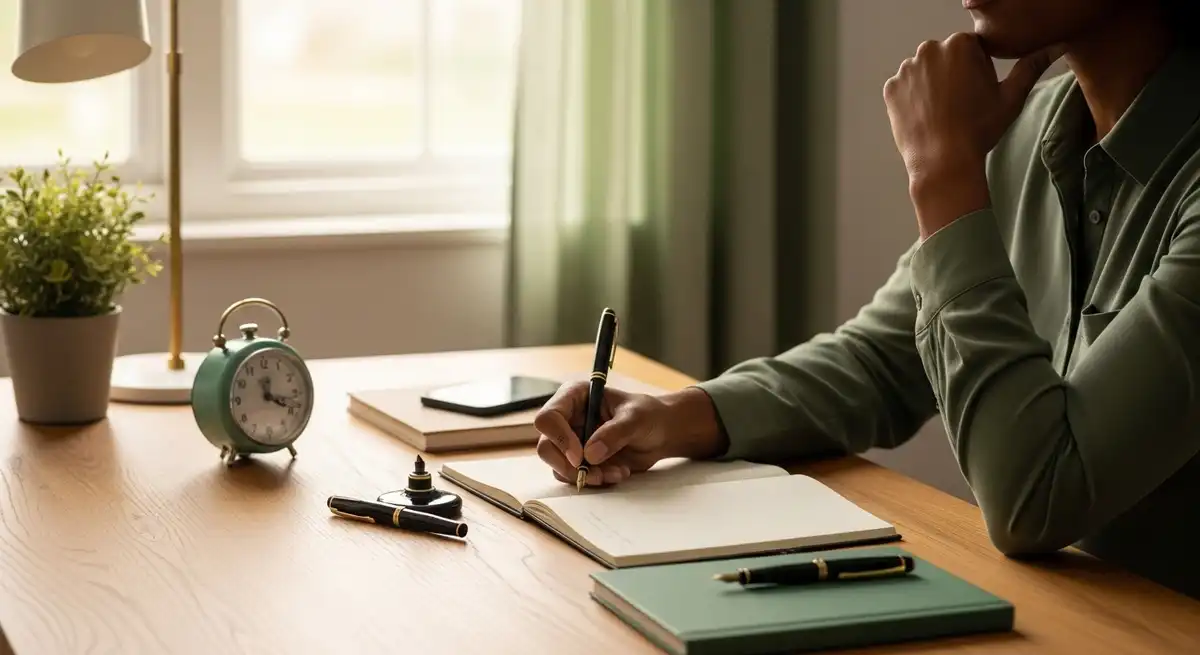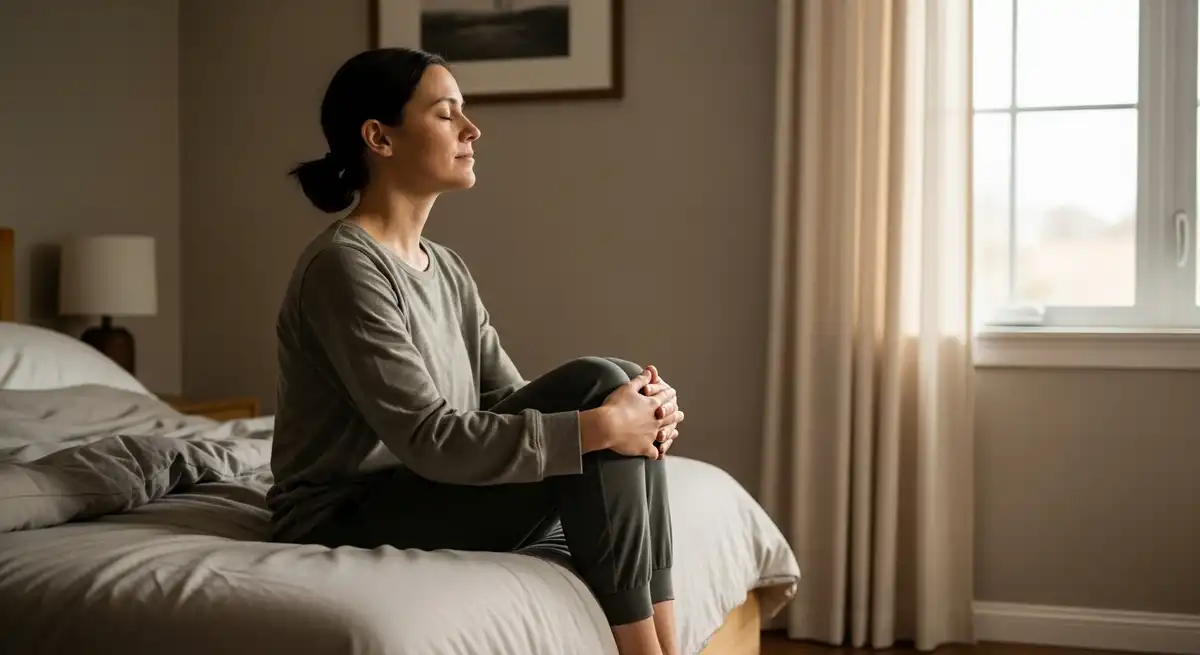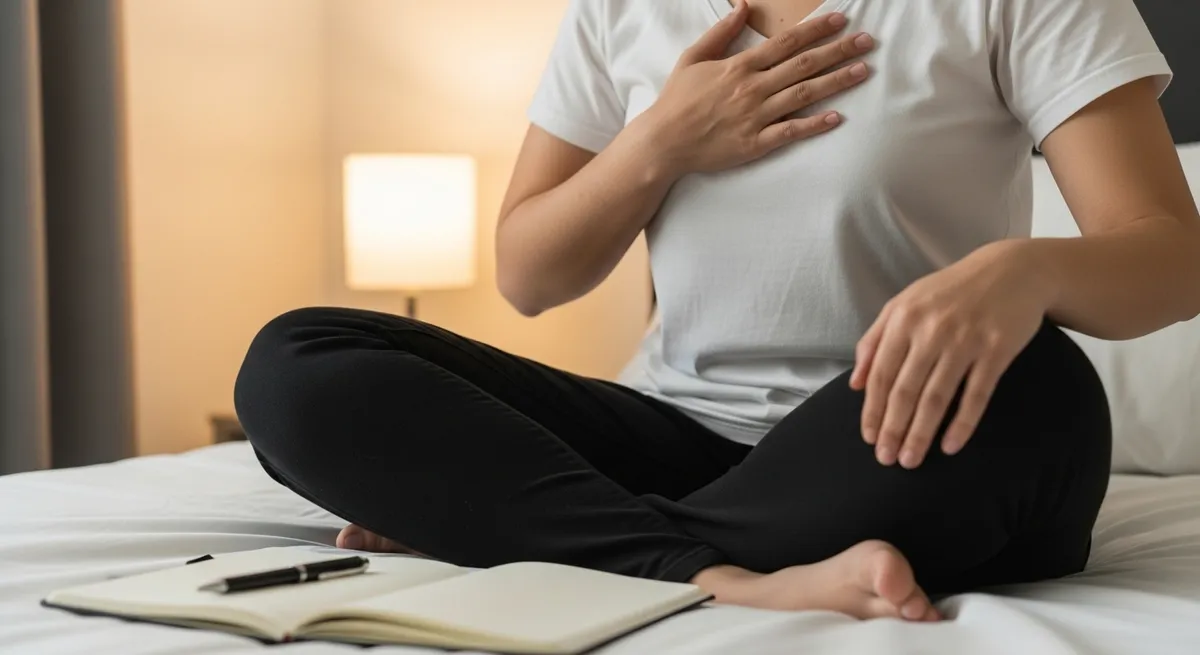
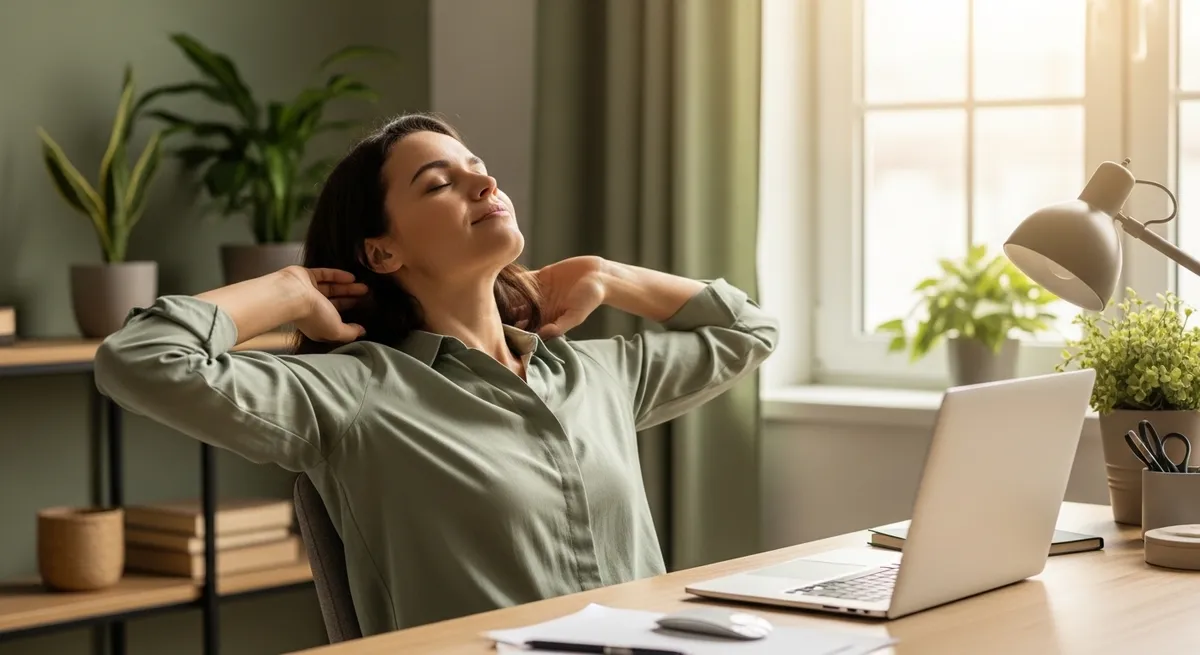
The aim of micro breaks to reduce tech fatigue is a workable relationship with your screens, not a permanent break from them. Daily routines now involve long hours in front of screens for work, communication, and daily tasks. This pattern has quietly increased physical discomfort and mental fatigue for many people. Daily micro-breaks to reduce tech fatigue are widely seen as a simple habit that helps maintain energy, comfort, and focus throughout the day.
Micro breaks are short pauses taken between tasks, often lasting from a few seconds to a few minutes. These pauses are easy to fit into most routines without disrupting productivity. Wellness educators often describe them as small resets that support both physical comfort and steady mental performance.
When breaks are skipped, strain builds slowly and may not feel obvious at first. Over time, this can show up as tired eyes, low energy, or stiffness in the body. Adding short, regular pauses is commonly used as a practical way to support balance during screen-heavy work.
Understanding Tech Fatigue in Daily Life

Tech fatigue is commonly linked to extended screen use and repetitive digital tasks throughout the day. It usually includes a mix of eye strain, body discomfort, and reduced mental clarity. Many people working on computers or phones experience this as part of their daily routine.
Physical discomfort often develops in the neck, shoulders, and lower back due to long periods of sitting. Limited movement and fixed posture can gradually increase tension in these areas. These effects are widely observed and are often managed through simple movement and posture awareness.
Mental fatigue from screen use often appears as reduced focus and slower thinking after long periods of concentration. Continuous work without pauses makes it harder to stay alert and engaged. Short breaks are commonly used to refresh attention and maintain steady productivity.
Micro Breaks to Reduce Tech Fatigue
Micro breaks to reduce tech fatigue are short, intentional pauses added between tasks to support recovery. These breaks are usually brief and frequent, making them easy to follow without interrupting work. They are commonly used in both office and home environments.
Unlike longer rest periods, micro-breaks are spread throughout the day to prevent fatigue from building up. This approach allows the body and mind to reset regularly instead of waiting for exhaustion. Many people find this pattern easier to maintain over time.
These breaks can include simple actions such as stretching, stepping away from the screen, or taking slow breaths. The goal is to create small moments of rest that fit naturally into daily routines. Over time, this habit supports comfort and sustained energy.
The Science Behind Short, Frequent Breaks
Research in workplace health suggests that short breaks help maintain attention and reduce errors during repetitive tasks. The brain performs better when it receives small periods of rest rather than continuous effort. This supports steady focus across longer work sessions.
Movement during breaks helps improve blood flow and reduce muscle stiffness caused by sitting. Even brief changes in posture can ease tension and improve comfort. These benefits are widely supported in ergonomic and occupational health guidance.
Short pauses also support the body’s stress response by allowing a shift away from constant alertness. This helps maintain balanced energy and reduces feelings of overload. Many lifestyle recommendations include regular breaks as part of healthy daily routines.
Signs Commonly Associated with Tech Fatigue
Eye discomfort is one of the most common signs linked to extended screen use. People often notice dryness, blurred vision, or difficulty focusing after long hours. These effects are usually related to reduced blinking and constant close-up viewing.
Physical signs include stiffness in the neck, shoulders, and back, especially when posture does not change often. These sensations tend to increase gradually during the day. Regular movement is commonly used to ease this type of discomfort.
Mental fatigue may feel like reduced concentration, slower thinking, or a sense of heaviness in the mind. This can make it harder to stay productive for long periods. Short breaks are often used to support mental clarity and focus.
Practical Micro-Break Habits for Daily Use

The 20-20-20 eye reset is a simple habit used to reduce strain during screen work. It involves looking at something about twenty feet away for twenty seconds every twenty minutes. This helps relax eye muscles that stay focused on close objects.
Box breathing is a controlled breathing method often used during short breaks. It involves slow, even breaths that help calm the body and steady attention. Many people use this technique during busy or demanding work periods.
Palming is a gentle eye relaxation practice where warm hands are placed over closed eyes for a short time. This creates darkness and a soothing effect after long screen exposure. It is commonly used to support visual comfort.
Standing torso rotations are easy movements that involve gently turning the upper body side to side. These movements help loosen the spine and reduce stiffness from sitting. They are often included in simple desk routines.
High-frequency blinking is a habit of consciously blinking more often while using screens. This helps keep the eyes moist and reduces dryness. It is a simple adjustment that supports eye comfort during long work sessions.
Gratitude pauses involve taking a short moment to focus on something positive. This shift in attention can help reduce mental strain from continuous work. Many people include this as part of a balanced daily routine.
Neck and shoulder rolls are basic movements used to release tension built during sitting. These exercises are easy to perform without leaving the workspace. They help maintain flexibility and reduce stiffness.
Distant focus practices involve shifting attention away from the screen to a far object. This helps reset visual focus and reduce eye strain. It is often combined with other eye care habits.
Micro-movement walks are short walks taken during breaks, even within a small space. These breaks help improve circulation and refresh energy levels. They are commonly used to support focus and reduce fatigue.
Finger and wrist stretches are simple exercises that ease tension from typing and device use. These movements support flexibility in the hands and forearms. They are often included in daily routines for regular device users.
Building Consistent Micro Break Habits
The Pomodoro technique is a structured method that alternates focused work with short breaks. It usually follows a pattern of twenty-five minutes of work followed by a five minute pause. This rhythm helps balance effort and recovery.
Habit stacking links new habits to existing routines, making them easier to remember. For example, stretching after finishing a task can act as a natural reminder. This approach supports consistency in daily habits.
Digital reminder tools help prompt regular breaks during the day. Applications like Stretchly provide gentle alerts to pause and reset. These tools are useful for maintaining consistency in busy schedules.
Supporting Work-Life Balance with Micro-Breaks
Daily micro breaks to reduce tech fatigue can support people managing both work and personal responsibilities. Short pauses help maintain steady energy across different tasks. This approach fits well into busy and changing daily routines.
For those working from home, boundaries between work and rest can become unclear. Micro-breaks create small moments to step away and reset. This helps create a clearer structure within the day.
In family settings, short breaks can also allow brief moments of connection with others. These pauses help maintain presence without interrupting responsibilities. Over time, this balance supports both productivity and wellbeing.
Frequently Asked Questions
What is the 20 20 20 rule for digital eye strain?
The 20-20-20 rule is a simple method used to reduce eye strain during screen use. It means looking at something twenty feet away for twenty seconds every twenty minutes. This helps relax eye muscles and supports visual comfort during long periods of digital work.
How often should micro-breaks be taken during work?
Micro-breaks are usually taken every twenty to sixty minutes depending on the task. These short pauses often last one to five minutes and help reduce strain. Regular timing is considered more helpful than taking longer breaks less often.
Can micro-breaks improve productivity?
Micro-breaks are linked to maintaining steady productivity rather than sudden improvement. Short pauses help reduce fatigue and support ongoing focus. Many people find they can work more consistently when breaks are included in their routine.
What are common signs of tech fatigue?
Common signs include eye discomfort, body stiffness, and reduced concentration after screen use. These effects usually develop gradually during the day. Recognizing them early helps guide the use of simple supportive habits like regular breaks.
How can eye discomfort from screens be reduced?
Eye discomfort can be reduced by taking breaks, adjusting screen settings, and improving lighting. Blinking more often and looking away from the screen also helps. These steps are widely used as part of everyday digital wellness habits.
Is the Pomodoro technique useful for managing work routines?
The Pomodoro technique is often used to create a balance between work and rest. It provides a clear structure that supports focus and prevents overworking. Many people include it in their daily routines for better time management.
How can Zoom fatigue be managed effectively?
Zoom fatigue can be reduced by taking short breaks between meetings and limiting screen exposure. Turning off self-view or using audio-only options may also help. These adjustments support comfort during long virtual sessions.
What are simple desk exercises for quick relief?
Simple desk exercises include neck rolls, shoulder movements, and wrist stretches. These movements help reduce stiffness and improve circulation. They are easy to perform and fit well into short break periods.
Do blue light glasses help with tech fatigue?
Blue light glasses may reduce glare and improve comfort for some people. Their effect can vary, and they are often used along with other habits like regular breaks. They are generally considered a supportive option.
How can neck pain from screen use be prevented?
Neck discomfort can be reduced by maintaining proper posture and adjusting screen height. Regular movement and stretching also help prevent stiffness. These habits are commonly used in ergonomic routines.
Conclusion
Daily micro-breaks to reduce tech fatigue offer a practical way to manage modern screen-based routines. These small pauses support comfort, steady focus, and balanced energy without major changes. Consistent use of micro-breaks is widely seen as a simple and sustainable habit for everyday wellbeing.
Medical Disclaimer
This content is for informational purposes only and does not constitute medical advice. Consult a qualified healthcare provider before starting any new health practice, especially if you have existing medical conditions or ongoing symptoms related to fatigue, vision, or posture.
Related Reading
- How to Create a Tech-Free Zone at Home
- Proven Daily Practices to Release Emotional Pain Naturally
- Why Is Mind the Gap Wallpaper and Expressive Lifestyle Interiors Everywhere in 2026
Fixed times beat taken-when-needed, for the reason set out in How to Do a Digital Detox: the day bad enough to need a break is the day with no gaps in it.